
This document will show users how to manually enable the permissions to be able to use JustLogin Mobile App on a China-manufactured device that does not have Google Play services.
Steps:
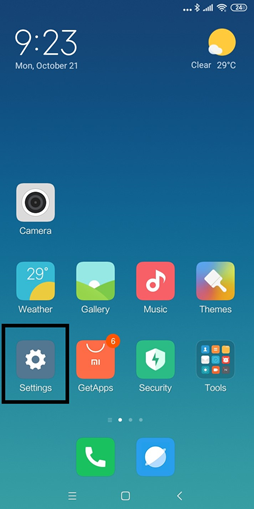
Step 1: Go to Settings App
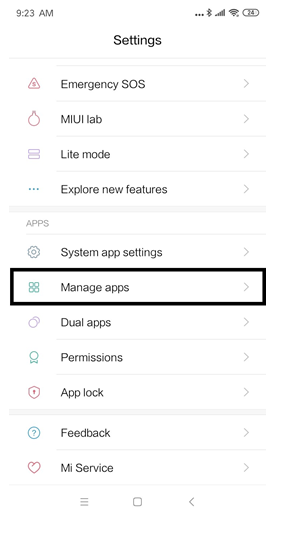
Step 2: Go to Manage apps
Step 3: Search Google and Select each of Shown apps and Repeat the following steps
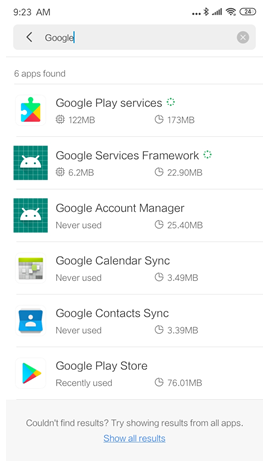
Step 3.1: Select Google Play services and Go to Permissions
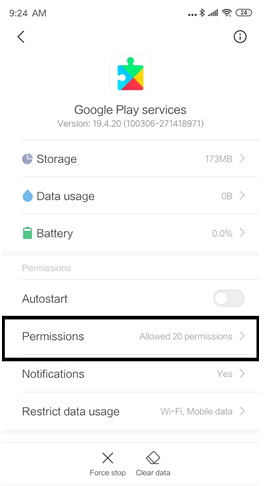
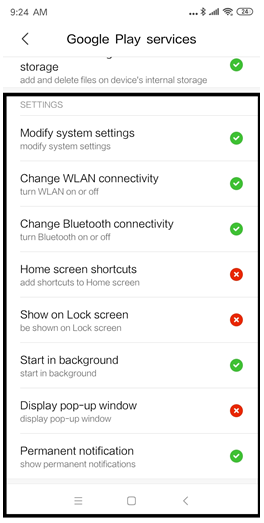
Step 3.2: Scroll down and Search Settings section on the permission screen
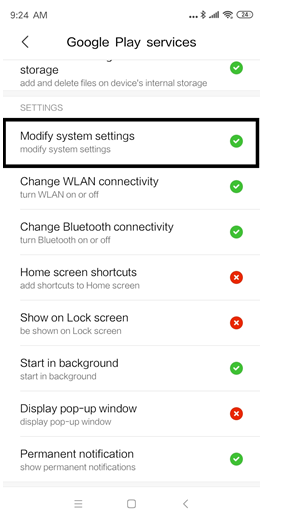
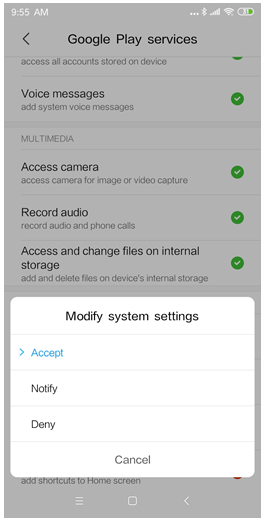
Step 3.3: Select Modify system settings and select Accept
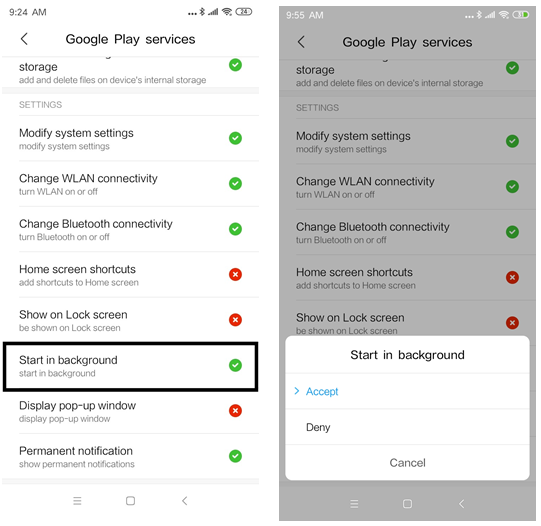
Step 3.4: Select Start in the background and select Accept
Google Play services Automatic installation Guide for China Device
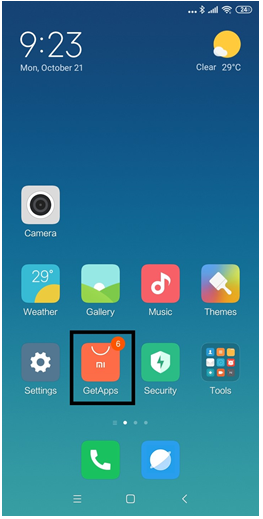
Step 1: Go to GetApps app
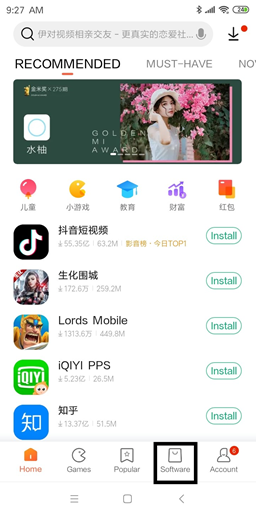
Step 2: Go to Software section
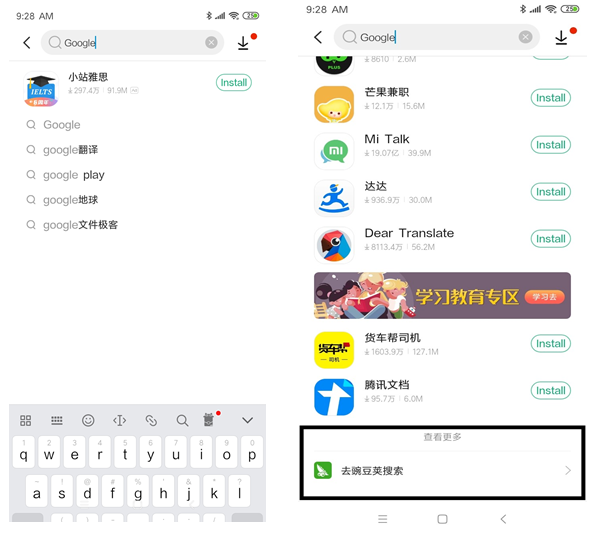
Step 3: Search Google and scroll down and Select more results section
Step 4: Install the following app
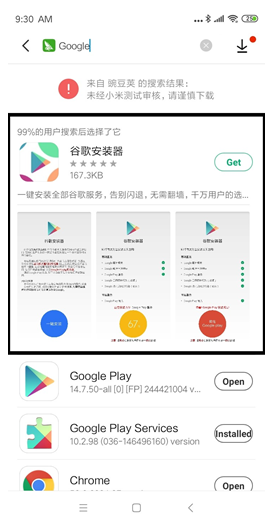
Step 4.1: Go to the app you just installed
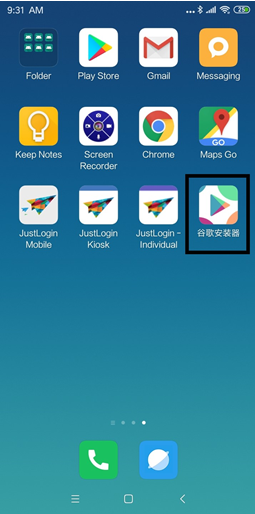
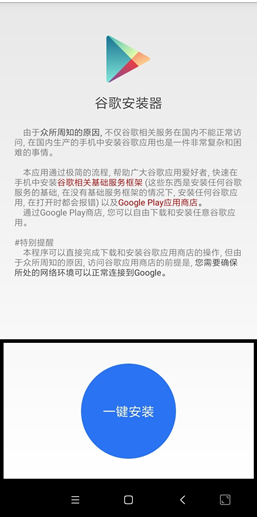
Step 4.2: Click on the One-Click Install button and follow the automated procedure
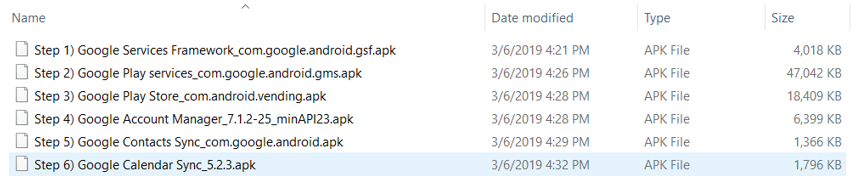
Google Play services Manual installation Guide for China Device (only if Automation process not working)
Please follow the steps mentioned in the image below:
NOTE: Please make sure that all Google services are not installed or removed on/from the device.